Best way to find Long Tail (Often AI cited Query Fan Outs) Queries In Google Search Console
First things first:
Go to Google Search Console:
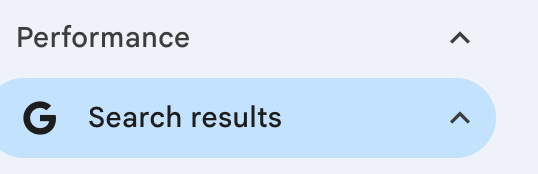
Click on Search results under Performance:
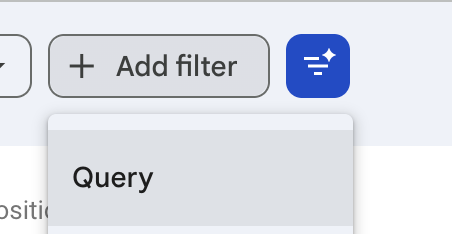
Click Query under Add Filter
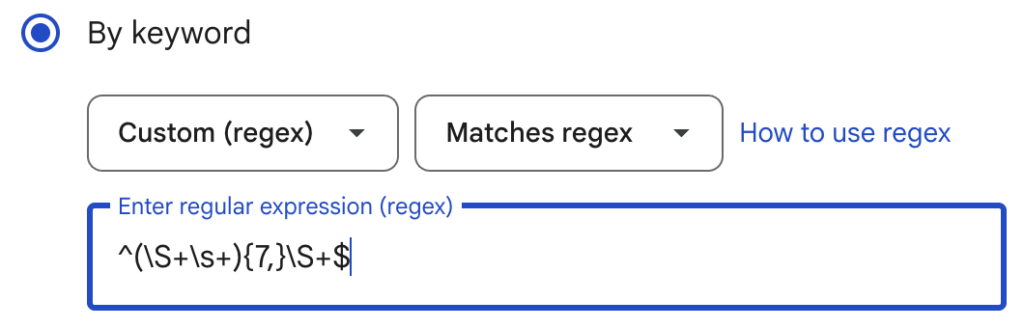
Change by Keyword to Custom (REGEX)
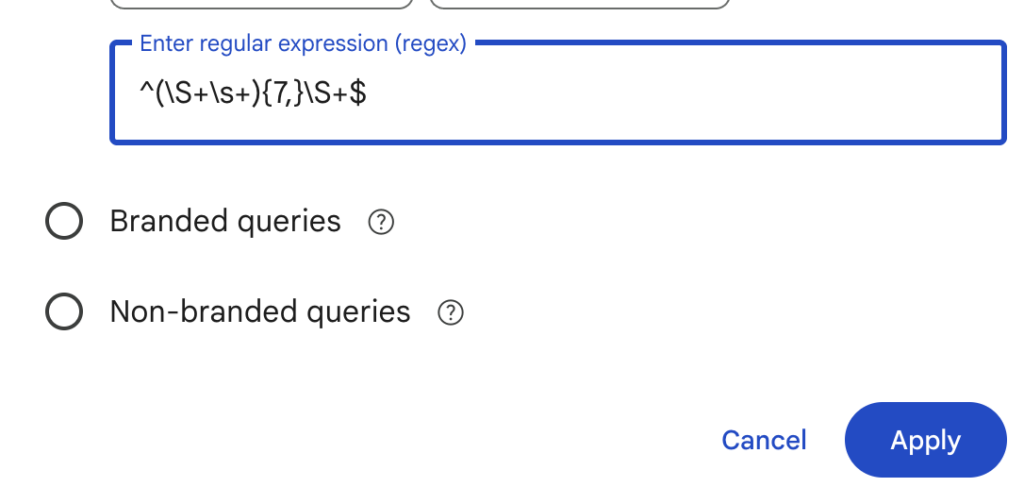
Add ^(\S+\s+){7,}\S+$ and click Apply:
Look for queries like this “as a technical lead in melbourne responsible for a headless cms on next.js with over 50,000 pages indexed, what technical seo audit process should i run quarterly to catch javascript rendering issues before they tank traffic?”
0 clicks & 4 impressions is often another critical clue that this is a query FAN OUT that AI has used to assist another prompt from a potential customer.
Optional but you change the dates from the default 3 months to longer or shorter. I think the default is good as 3 months but its good to check last 7 days too find any upcoming queries that could be relatively new.
Use the following REGEX to copy and paste.
^(\S+\s+){7,}\S+$
On their own, they will provide great content ideas as you are researching your own first party data.
Note: “Detailed, conversational queries can reveal useful content opportunities. However, query wording, low impressions and zero clicks alone do not guarantee an AI-generated fan-out or citation.”
Your Shopify store has an advice section. Your team researches topics, writes articles and keeps older posts updated. It takes a considerable amount of work. But when someone asks how…
For most businesses, I recommend keeping the blog and core marketing content in subfolders on the main website. Subdomains can make sense for a separate application, customer portal or independently…
If you are launching a new website? Submitting to Google is essential to do so manually. To submit your website to Google, verify it in Google Search Console, submit your…